
 Screen Share
 Shop Online Store
When it comes to your computer’s performance, two key components play a major role: RAM and storage. Understanding how they work together can help you avoid slowdowns, crashes, and frustrating limitations!

Let’s go over the terms: memory and storage. Both serve different purposes in choosing or upgrading your hardware to suit your needs!
There are different types to each component but for now, let’s go over the basics:
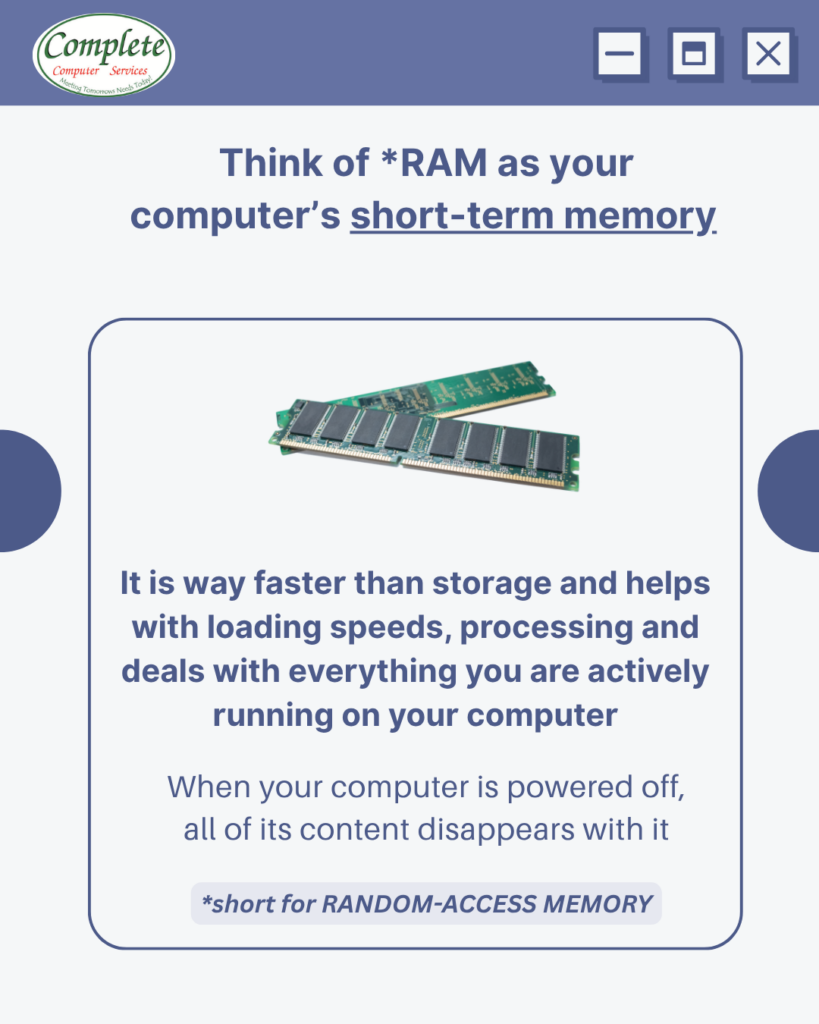
RAM: Your Computer’s Short-Term Power
RAM (Random Access Memory) is what your computer uses to run tasks in real time.
Think of it like a quick clean-up!
Everything clears when the computer shuts down.
More RAM = more room to multitask
This also helps your system run faster and smoother
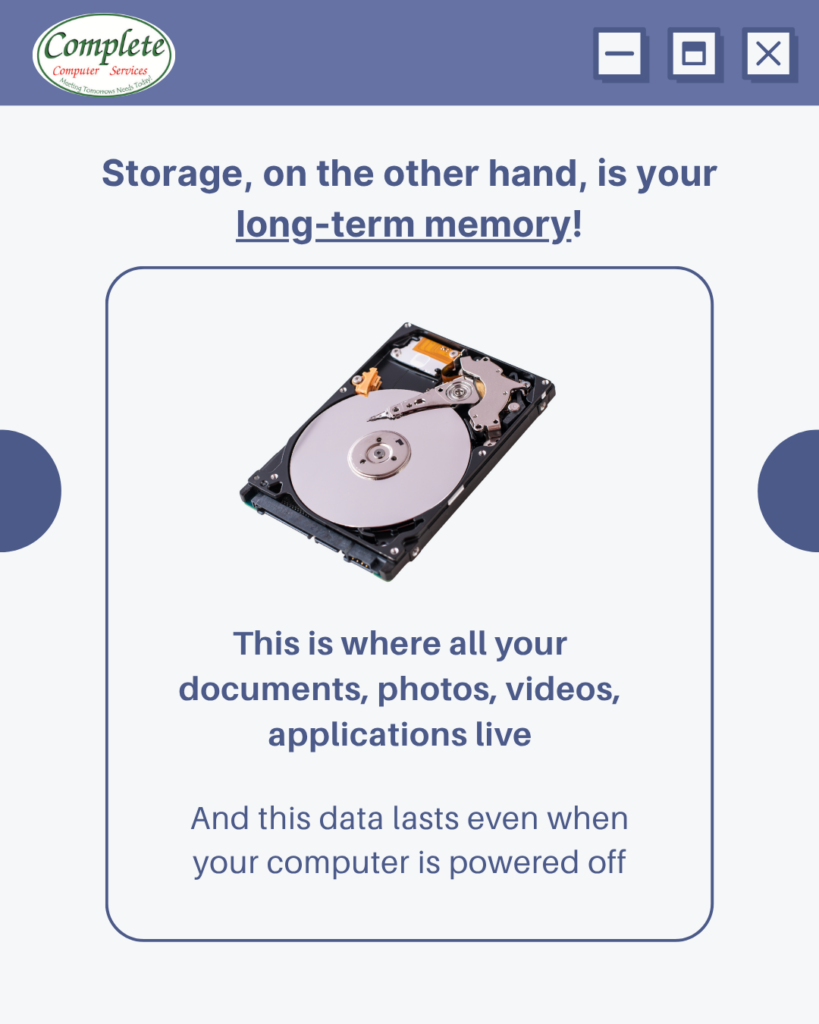
Storage: Your Computer’s Long-Term Memory
Storage is where everything lives—your documents, photos, videos, and applications.
Even when your computer is powered off, your data remains saved.
Think of storage like a filing cabinet:
- Holds all your important files
- Keeps data permanently stored
- Determines how much you can save on your device
If you’re running out of storage, you may not be able to install new programs or save large files.
Why This Balance Matters
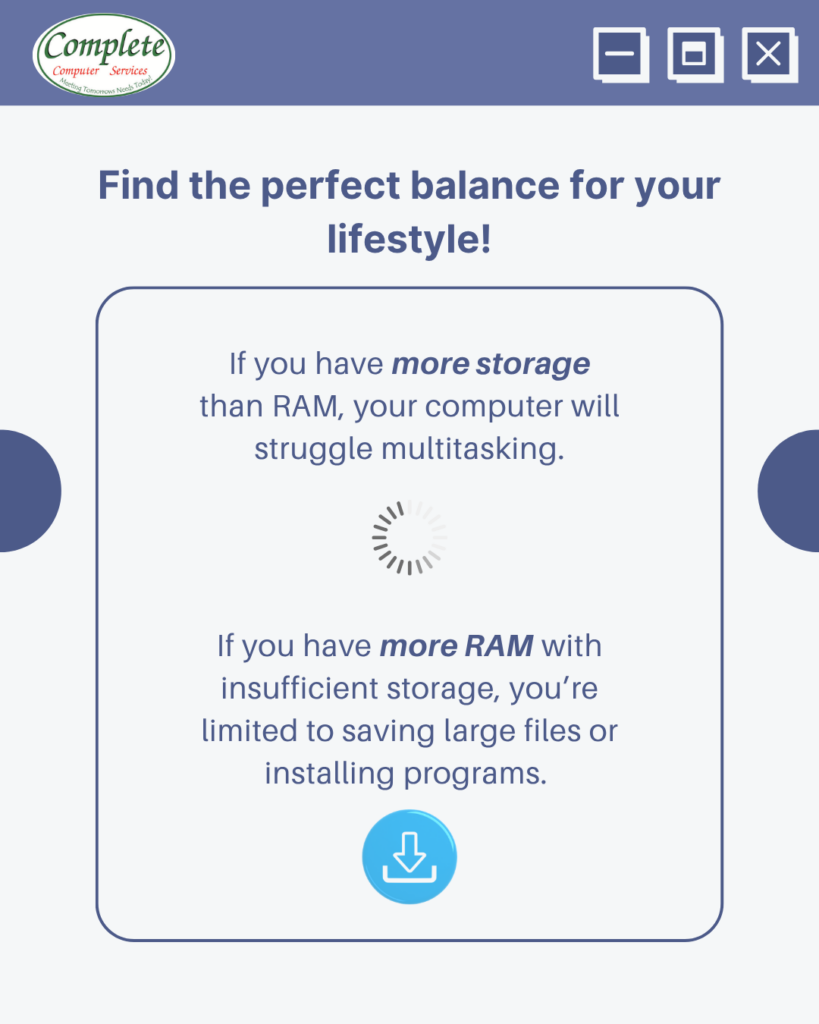
Having too much of one and not enough of the other can cause unforeseen problems:
- More storage than RAM
→ Your computer may struggle with multitasking and feel slow - More RAM but limited storage
→ You won’t have enough space for files, apps, or updates
The key is balance! Your system performs best when both work together efficiently.
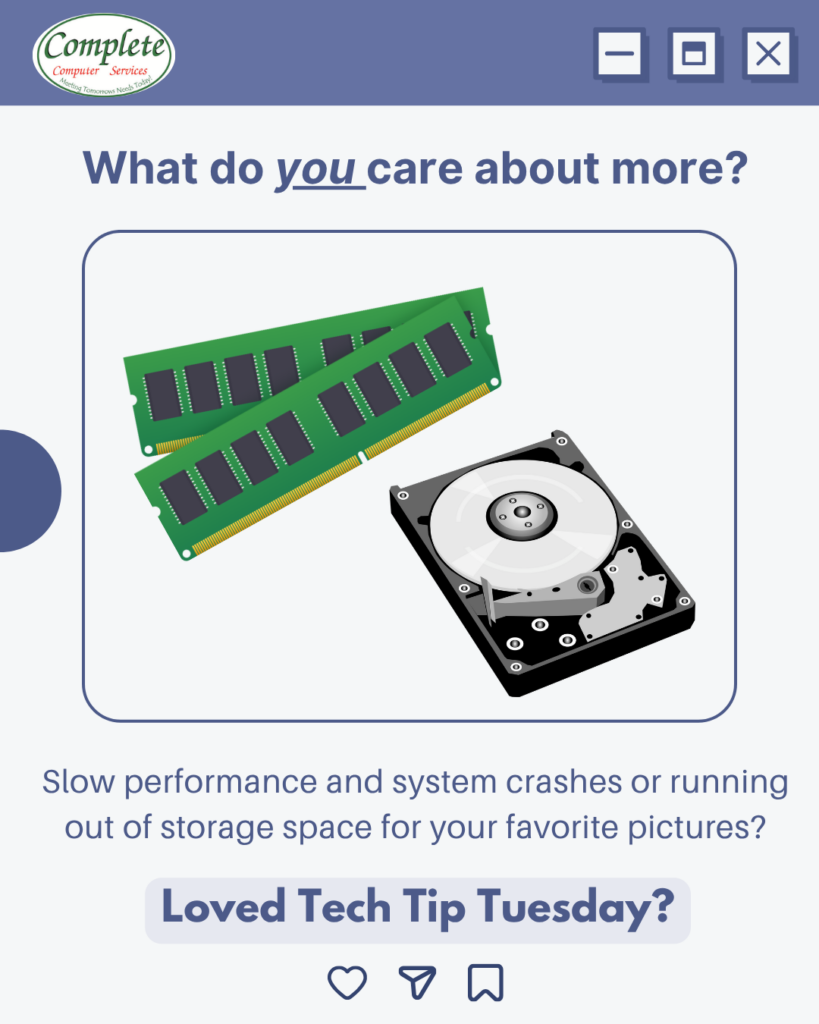
Deciding between RAM or storage depends on your personal preference.
If you need to for run multiple applications at the same time like for gaming or editing, more RAM could improve your performance.
If you use your system for school where you need to download a lot of documents or even working with large datasets, a storage upgrade may be something to consider.
What Matters Most to You?
If your computer is:
- Running slow
- Freezing or crashing
- Running out of storage
…it might be time for an upgrade.
Need Help Deciding?
At Complete Computer Services, we help you find the right balance for your needs. Whether it’s upgrading RAM, increasing storage, or both-we’ll be ready to help!
Get in touch today and keep your computer running at its’ best.
Complete Computer Services
3445 Poplar Ave. #10
Memphis TN 38111
Meeting Tomorrows Needs Today!