
 Screen Share
 Shop Online Store
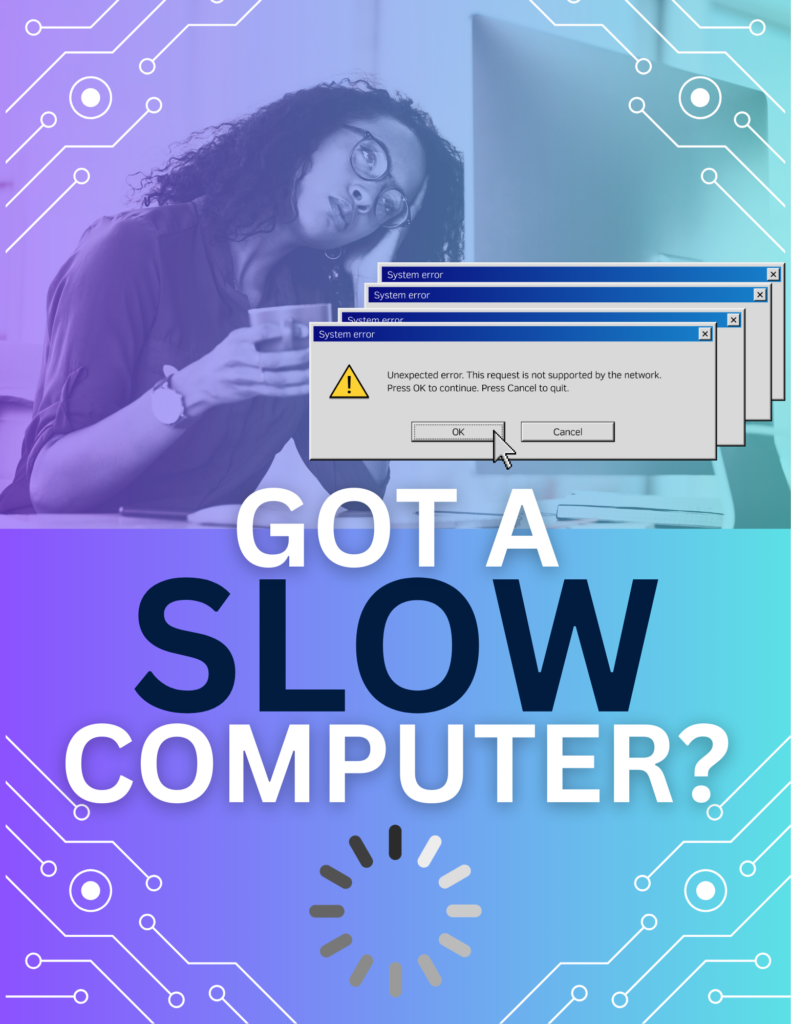
We’ve all been there—you sit down to get something done, open your laptop, and you end up spending the most of your time watching the loading wheel. Apps take forever to load, your browser freezes, and even simple tasks take longer than what it should.
A slow computer isn’t just annoying—it can seriously impact your productivity and mood. The good news? There are usually clear reasons behind the slowdown, and even better, there are practical ways to fix it with little to no cost.
Common Reasons Your Computer Is Running Slow
1. Too Many Programs Running
If your computer is juggling multiple apps at once, it can quickly run out of memory (RAM). This leads to lag, freezing, and long load times. Even the programs that are running behind the scenes.
2. Startup Overload
Many programs automatically launch when your computer starts. Over time, this can significantly slow down boot times and overall performance.
3. Outdated Software
Updates are important! The annoying update pop-ups matter. Operating systems and applications need regular updates to run efficiently. Skipping updates can leave your system sluggish and vulnerable.
4. Low Storage Space
When your hard drive is nearly full, your computer has less room to operate efficiently. This can slow down everything from file access to system processes.
5. Malware or Viruses
Malicious software can run in the background, consuming resources and dragging down performance without you even realizing it.
Simple Fixes to Speed Things Up
✔ Restart Your Computer
Believe it or not, Restarting clears temporary files and refreshes system processes.
✔ Close Unused Programs
Reduce the number of active applications to improve speed and keep only the programs you actually need open.
✔ Disable Startup Apps
Limit which programs launch at startup to boost performance. This can be found in your system settings.
✔ Free Up Storage Space
Delete unnecessary files, uninstall old programs and move larger files to cloud storage.
✔ Run Antivirus Software
Scan your computer for viruses and remove any threats.
✔ Update Your System
Install the latest updates for your operating system and software to benefit from performance improvements and bug fixes.
When to Call a Computer Repair Professional
If your computer is still slow after trying these steps, there may be deeper issues such as:
- Failing hard drive
- Insufficient RAM
- Overheating components
- System errors or corrupted files
Professional diagnostics can quickly identify and fix the problem.
Local Computer Repair Services You Can Trust
If you’re looking for fast, reliable computer repair, our team is here to help. We specialize in:
- Slow computer diagnostics
- Virus and malware removal
- Hardware upgrades (SSD, RAM)
- System optimization
Contact us today for expert computer repair services and get your device running like new again.
Complete Computer Services
3445 Poplar Ave. #10
Memphis TN 38111
Meeting Tomorrows Needs Today!